Your TeaL is where the magic of SPILL happens—your personalized feed to catch up, share vibes, and keep up with the culture. Here’s everything you need to know to make the most out of it:
Control What You See in the TeaL (feed)
Your TeaL, your way:
From your Home Feed (TeaL), tap the arrow down on the SPILL logo in the upper-left corner.
Choose how you want to view your feed:
All Spill: See spills from all SPILL users.
Catch Up: Check out trending spills and hot topics.
My Brew: View spills only from the members you follow.
Sharing With Quotes
Quotes let you reshare spills while adding your own twist:
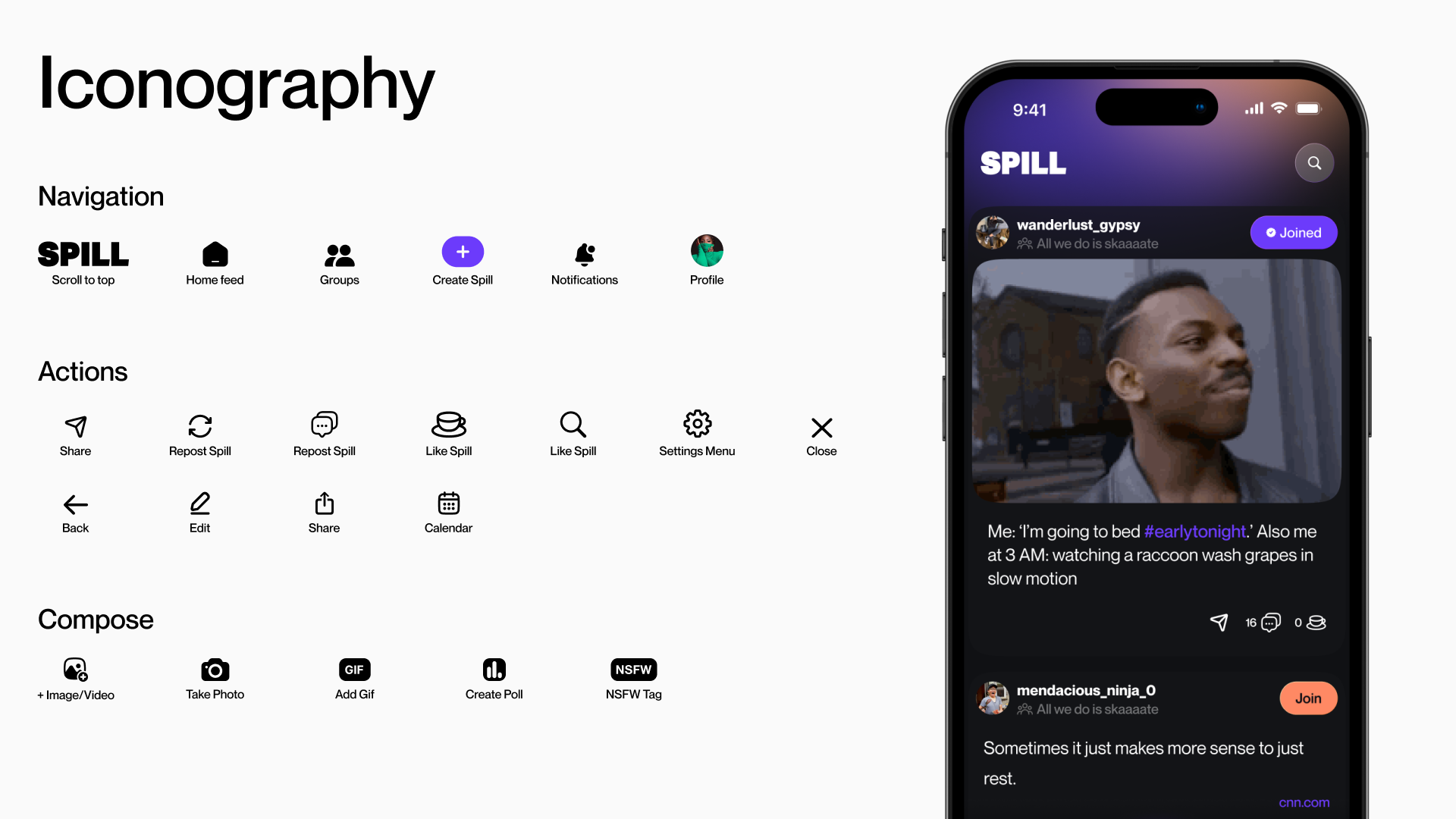
Tap the recycling arrow icon on a spill.
Add your own words, GIFs, images, or links.
Quote Types:
Standard Quote: Shared in My Brew only (prevents repeats in everyone’s TeaL).
Quote with Comment: Add commentary, GIFs, or tag NSFW—these appear across all TeaL views.
NSFW in TeaL (Sensitive Content)
You control what you see and share:
When Posting:
Tap the NSFW button if your spill includes sensitive content.
When Viewing:
Go to Profile > Settings > Safety.
Update Sensitive Content settings to show or hide NSFW spills from others.
? Tip: Check out our Community Guidelines to keep TeaL safe and fun for all.
Share a Spill
Arrow Button: Tap the Share icon to share a SPILL to other platforms.
You can download the SPILL or copy the link to share anywhere.
Like a Spill
Tap the teacup icon to like spills you enjoy or support.
Comment on a Spill
Tap the comment icon to join the conversation and add your thoughts to a SPILL.
Search & Explore
Tap the search icon to explore more:
Search for people to follow.
Discover hashtags based on your interests.
Something's not working?
Was this article helpful?
That’s Great!
Thank you for your feedback
Sorry! We couldn't be helpful
Thank you for your feedback
Feedback sent
We appreciate your effort and will try to fix the article